

Top Unblocked Game Websites for School Chromebook 2025
If you’re a student using a school Chromebook, you’ve probably faced this problem: most gaming websites are blocked by the school network. Whether it’s through Google Admin restrictions or firewall filters, playing your favorite online games during breaks can feel impossible.
That’s where unblocked game websites come in. These sites are specially designed to bypass school filters and allow students to play fun, free games right from the browser — no downloads, no complicated setups.
In this guide, we’ve combined Part 1 and Part 2 of our unblocked games series into one ultimate list of the Top Unblocked Game Websites for School Chromebook in 2025. We’ll also explain how to use a web proxy if these sites are still blocked on your network.
🕹️ Part 1 – Classic Unblocked Game Websites
These are the tried-and-tested platforms that have been student favorites for years.
1. Cool Math Games
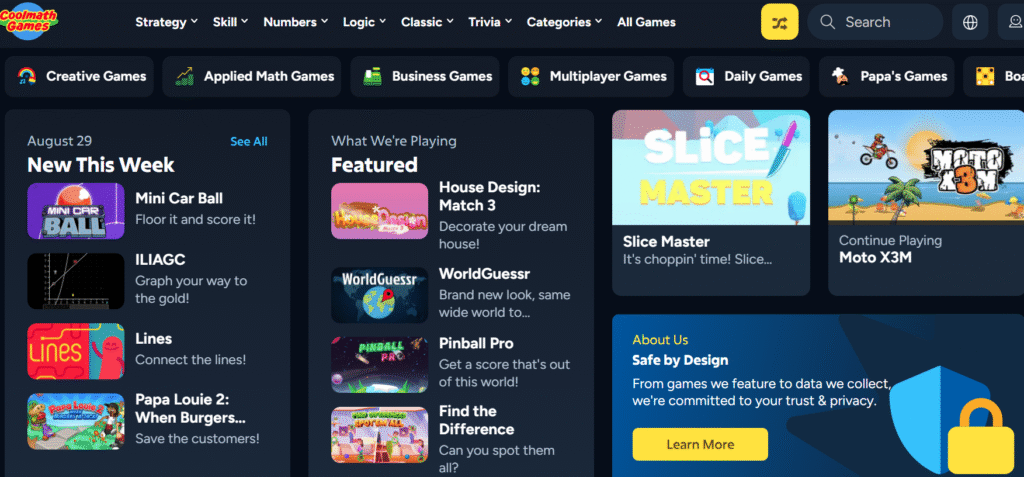
One of the most popular gaming sites that still works on many school Chromebooks. Cool Math Games is packed with logic, puzzle, and strategy games like Run 3, Fireboy & Watergirl, and Papa’s Freezeria. Since it’s branded as an “educational” site, it often slips past school filters.
2. Armor Games
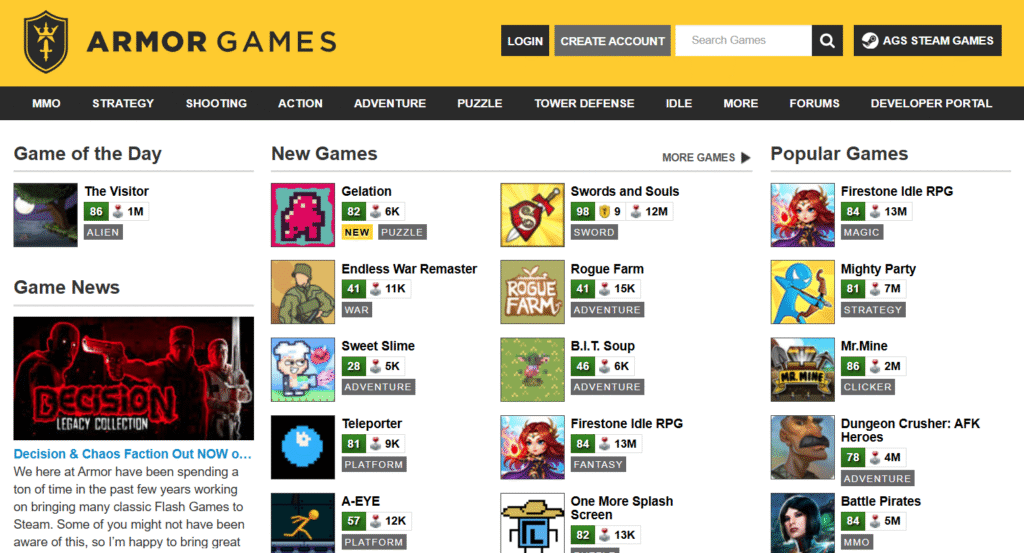
Known for high-quality browser games, Armor Games is home to strategy titles like Kingdom Rush and action RPGs that look and feel polished. If you want more advanced gameplay instead of quick arcade fun, this is your go-to site.
3. Hooda Math
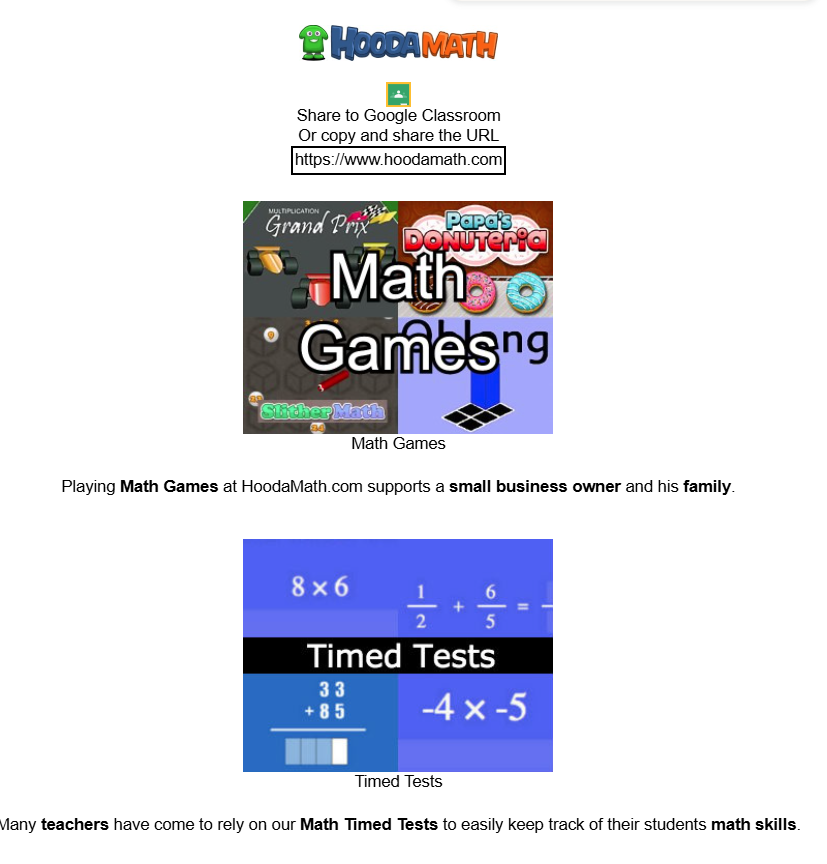
Don’t let the “math” branding fool you — Hooda Math offers escape room puzzles, logic challenges, and arcade games that are surprisingly addictive. Teachers often allow it since it has an educational angle.
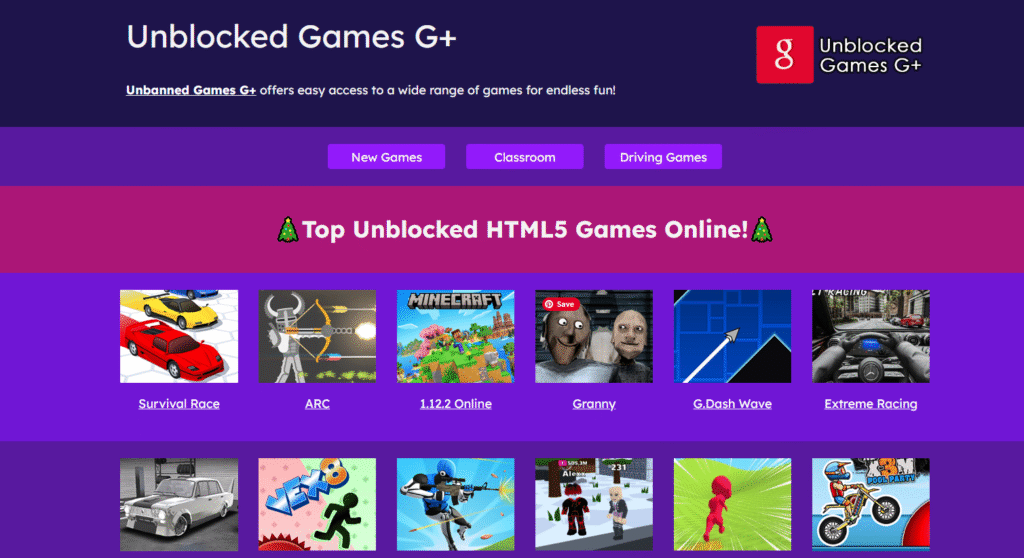
4. Unblocked Games G+ (Drive U-7)
➡️ sites.google.com/view/drive-u-7-home/home
This hidden gem is hosted on Google Sites, which makes it harder for schools to block. It includes a huge library of games like Drive Mad and Basketball Stars and loads instantly on Chromebooks.
5. Classroom 6x
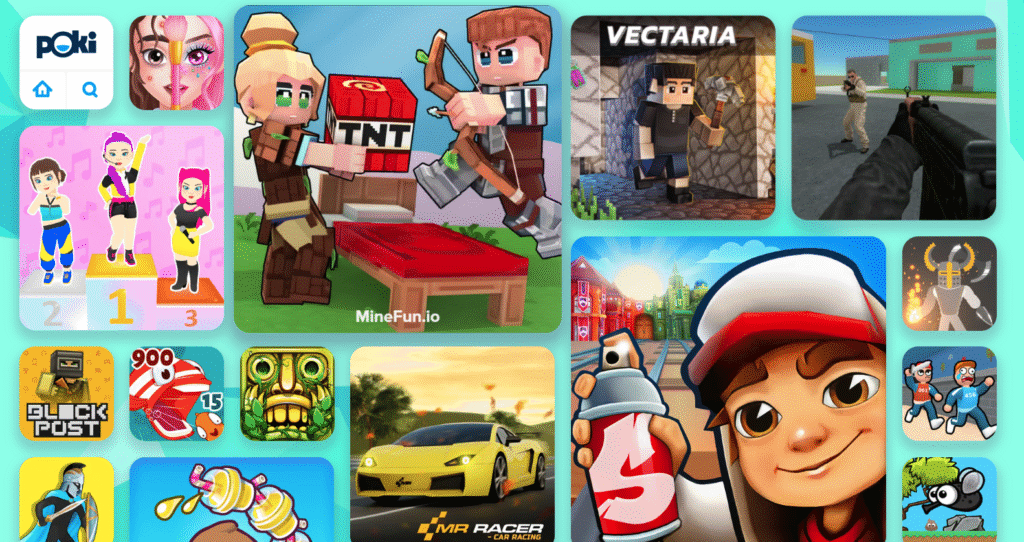
One of the most Chromebook-friendly unblocked sites, Classroom 6x features fast-loading, mobile-optimized versions of popular games like Minecraft, Slope, and FNAF. The clean layout makes it super easy to use.
🚀 Part 2 – Fresh Unblocked Game Websites (2025)
Now let’s look at some newer and updated unblocked websites that are trending in 2025.
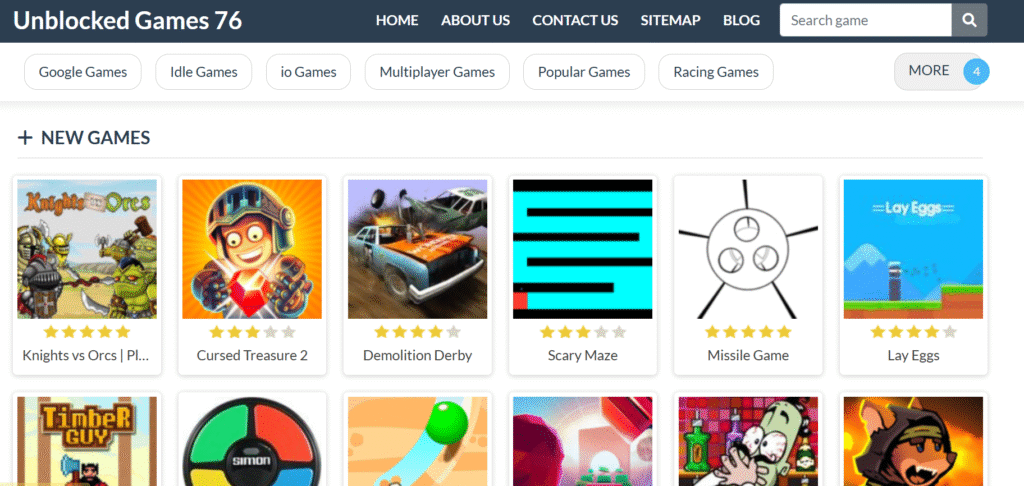
6. Unblocked Games 76
➡️ unblockedgames76.io
🎮 Example Game: Demolition Derby
Unblocked Games 76 offers a massive game library with hundreds of titles. From arcade classics to trending games, everything loads quickly and works seamlessly on school Chromebooks.
7. Mills Eagles
➡️ millseagles.blogspot.com
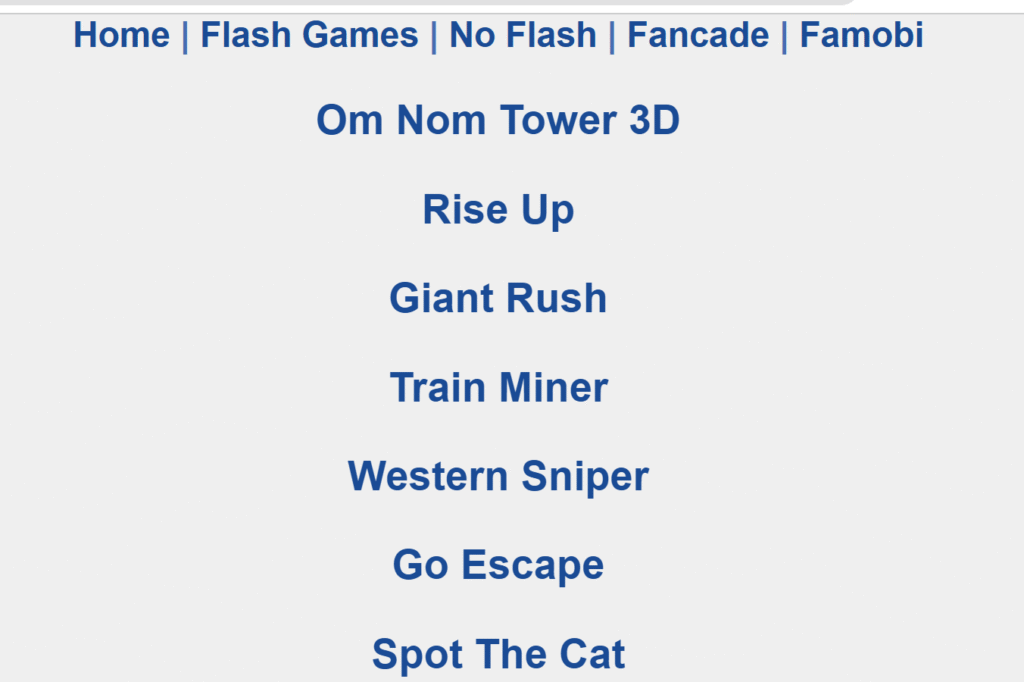
🎮 Example Game: Giant Rush
Mills Eagles is a long-standing favorite, now redesigned in 2025 for smoother Chromebook performance. It’s lightweight, simple, and regularly updated with new releases like Giant Rush.
8. Tyrone’s Unblocked Games
➡️ tyronesgames.com
🎮 Example Game: Spiderman Coloring
Tyrone’s Games is known for fan-favorite titles like Happy Wheels and Friday Night Funkin’. It also has casual and creative games such as coloring activities, making it versatile for all tastes.
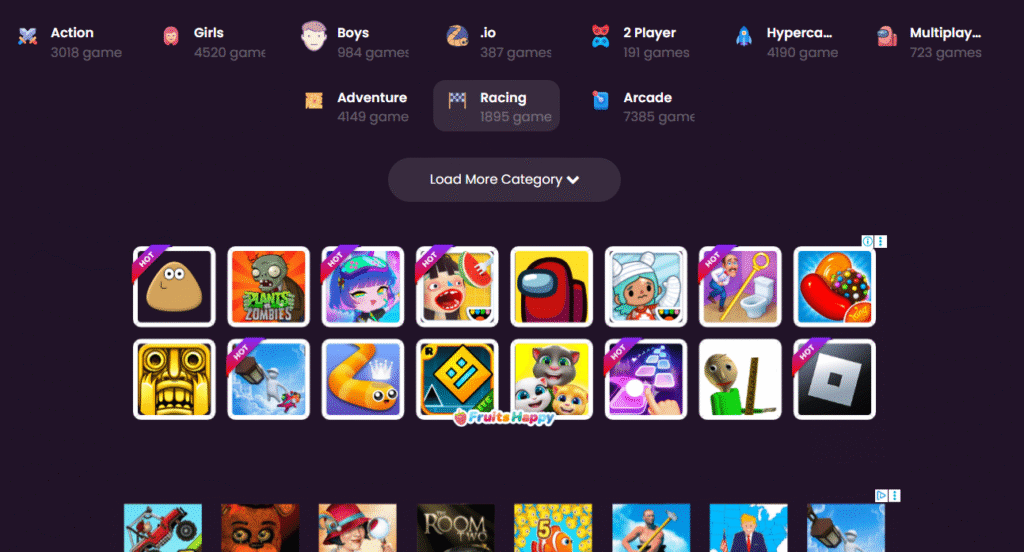
9. Bored Button
➡️ boredbutton.com
🎮 Example Game: Random Game Generator
This isn’t your typical unblocked game site. Bored Button gives you a random mini-game with every click. It’s fun, unpredictable, and perfect when you can’t decide what to play.
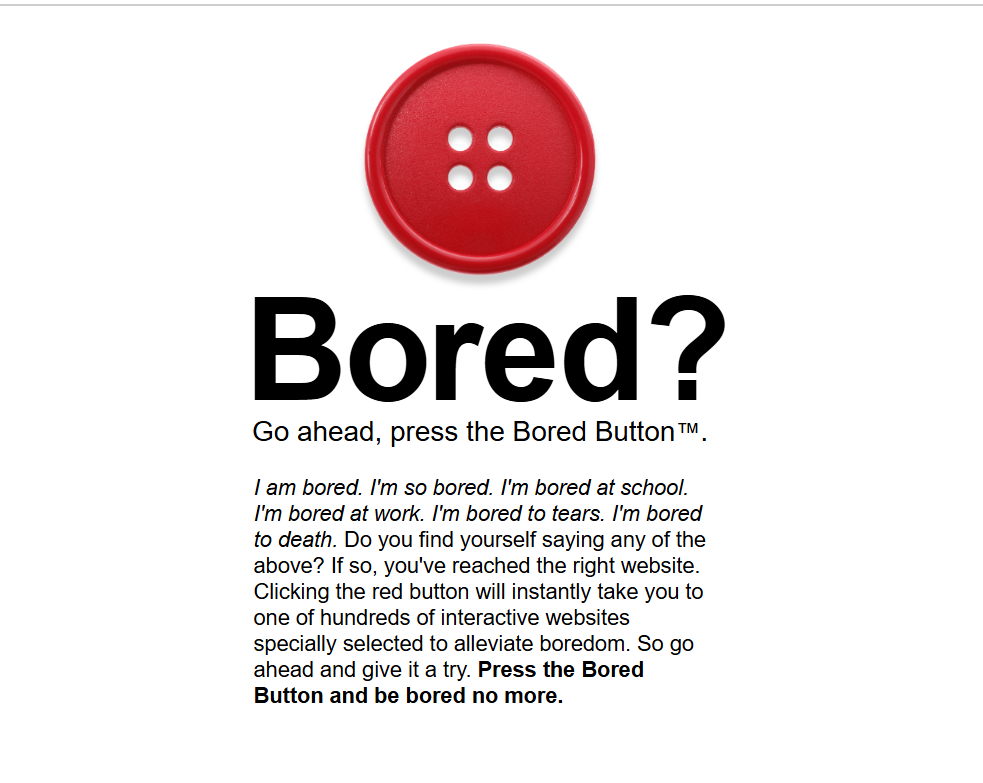
10. Crazy Games
➡️ crazygames.com
🎮 Example Game: Toon Drive 3D
Crazy Games is one of the most modern unblocked sites, offering high-quality 3D browser games. Whether you want racing, shooters, or simulations, this platform delivers smooth gameplay even on low-end school Chromebooks.
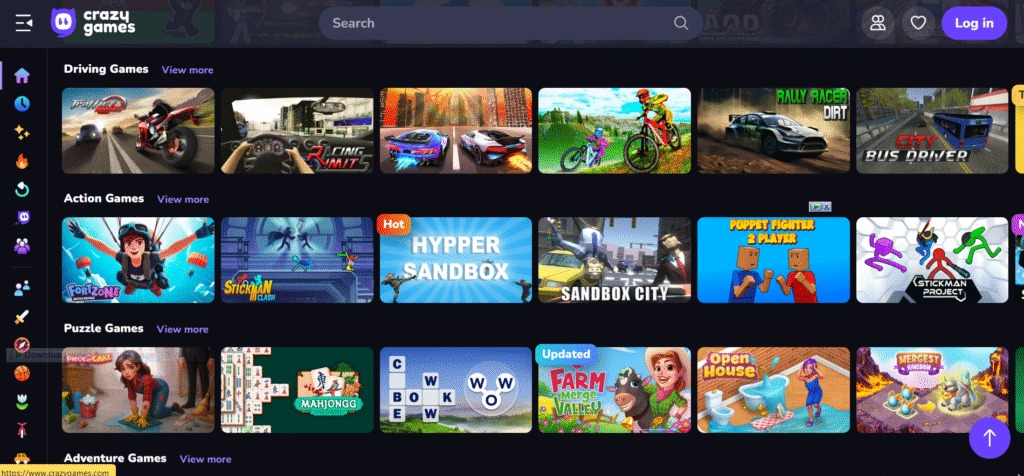
🎯 Part 3 – Top Google Sites for Unblocked Games on School Chromebook 2025
When it comes to unblocked games, Google Sites are a total game-changer in 2025. Because they’re hosted on the google.com domain, they’re harder for schools to block and often stay online longer than traditional gaming sites. These sites are lightweight, Chromebook-friendly, and updated regularly by gaming communities or even students themselves.

Here are the Top 5 Google Sites for Unblocked Games you should check out this year:
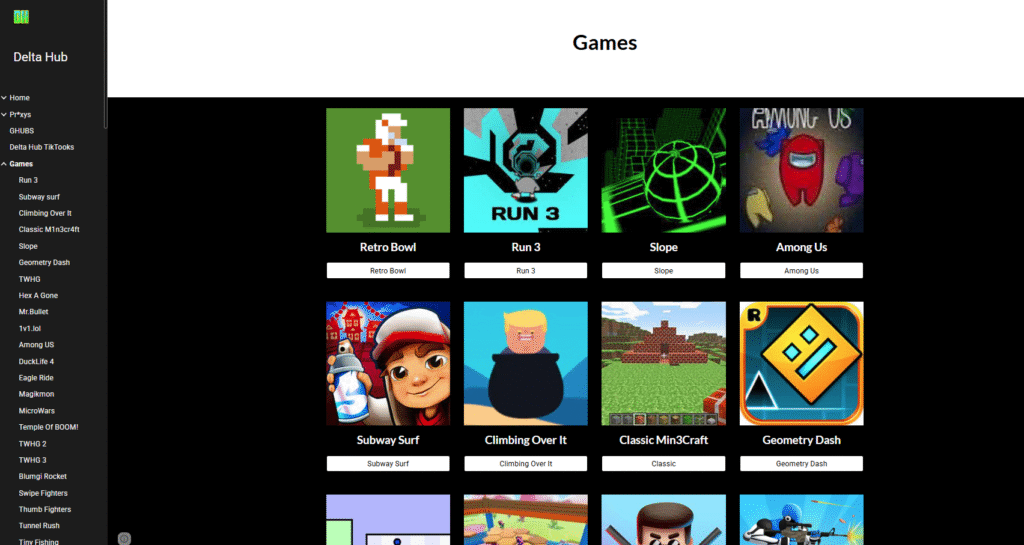
11. DeltaHuber Games (Google Site)
DeltaHuber is a clean and reliable Google Site that hosts popular titles like Climbing Over It and other fun mini-games. It’s easy to navigate, loads quickly, and works perfectly on school Chromebooks without lag.
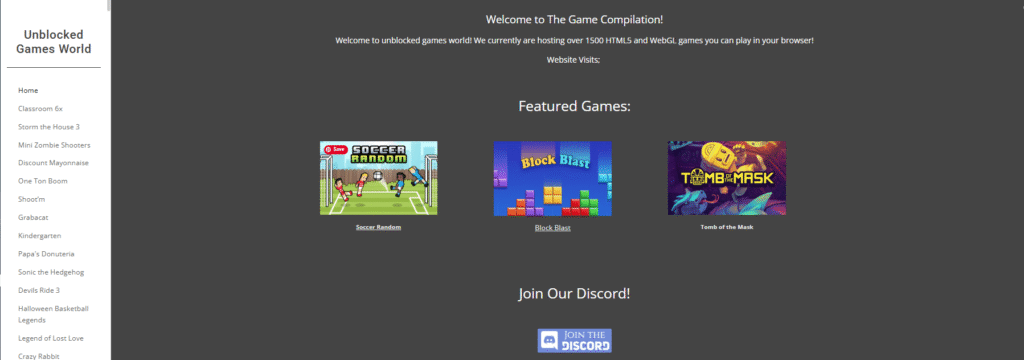
12. The Game Compilation
This site feels like a time capsule of classic browser games. From Crazy Karts to puzzle-based adventures, The Game Compilation delivers a nostalgic yet still fresh experience. A great pick for anyone who loves arcade-style games.
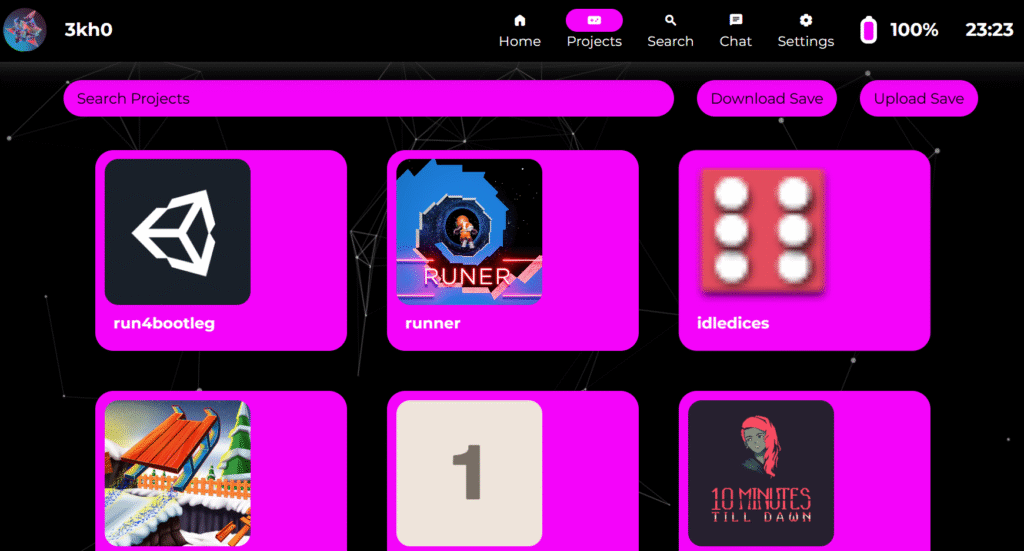
13. 3kh0 Projects Hub
The legendary 3kh0 community continues to shine in 2025. Their Google Sites hub features retro classics like Mario alongside trending HTML5 titles. It’s constantly updated, making it one of the most trusted Google Sites for students.
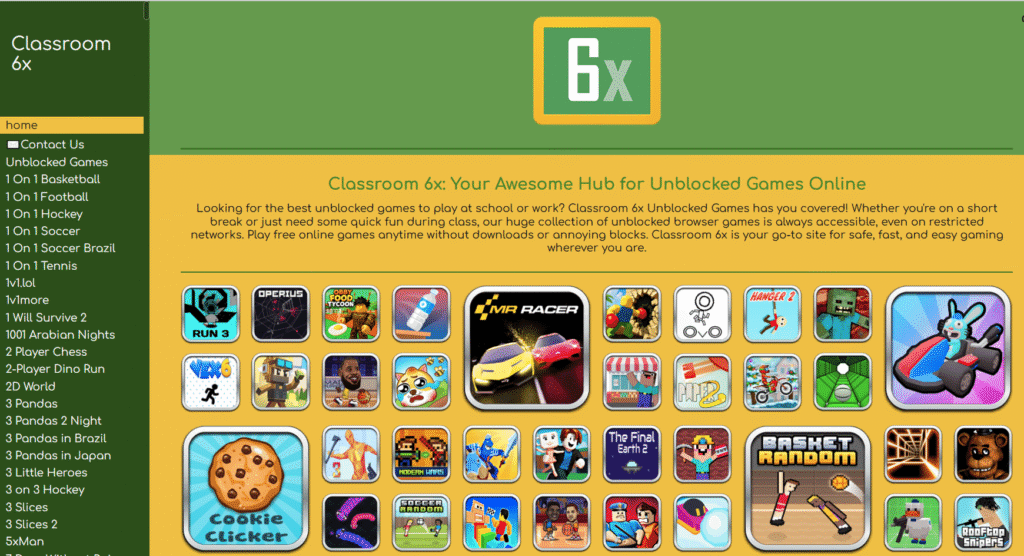
14. Classroom 6x (Google Sites Version)
Already famous as one of the top unblocked game websites, Classroom 6x also has Google Sites mirrors that act as backups when the main site is blocked. Here you can find fan-favorite games like Time Shooter 3 SWAT, Slope, and Minecraft.
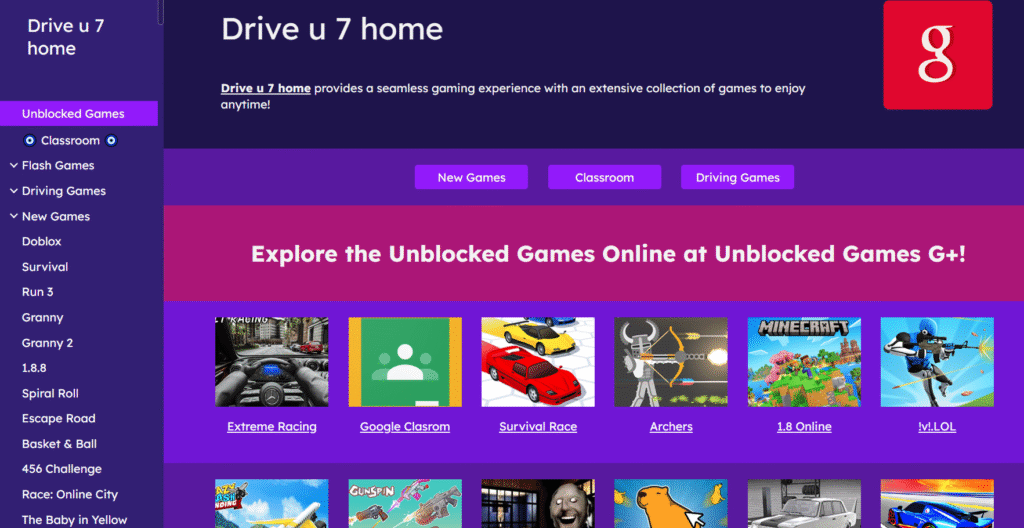
15. Drive U-7 Google Site
Drive U-7 is a hidden gem with a wide variety of racing and action games, including Cyber Cars. It’s a student favorite because new links pop up often, keeping the collection fresh and harder for schools to track.
📊 Comparison Table: Best Unblocked Game Sites for 2025
| Website | Best For | Example Game | Chromebook Friendly? |
|---|---|---|---|
| Cool Math Games | Puzzles, Strategy | Run 3 | ✅ |
| Armor Games | High-quality browser RPGs | Kingdom Rush | ✅ |
| Hooda Math | Escape rooms, puzzles | Escape Room Games | ✅ |
| Drive U-7 | Hidden Google Site | Basketball Stars | ✅ |
| Classroom 6x | Popular student games | Minecraft | ✅ |
| Unblocked Games 76 | Huge library | Demolition Derby | ✅ |
| Mills Eagles | Classic lightweight games | Giant Rush | ✅ |
| Tyrone’s Games | Fan favorites | Spiderman Coloring | ✅ |
| Bored Button | Random quick games | Random Generator | ✅ |
| Crazy Games | Modern 3D games | Toon Drive 3D | ✅ |
| DeltaHuber Games | Simple, fast Google Site | Climbing Over It | ✅ |
| The Game Compilation | Retro classics | Crazy Karts | ✅ |
| 3kh0 Projects | Constantly updated titles | Mario / Slope | ✅ |
| Classroom 6x (Google Site) | Backup mirrors | Time Shooter 3 SWAT | ✅ |
| Drive U-7 (Google Site) | Racing & action | Cyber Cars | ✅ |
🌐 What If These Sites Are Still Blocked? (Use a Web Proxy)
Some schools use strict firewalls that can block even these sites. If that happens, you can use a web proxy to bypass restrictions.
Recommended Proxies for 2025:
- Rammerhead Browser – Works like Chrome inside a proxy window.
- Doge Unblocker – Lightweight and reliable.
- Interstellar Proxy – Popular among students.
- Nebula Proxy – New and frequently updated.
👉 How it works:
- Open the proxy site.
- Paste the game website URL into the proxy bar.
- Click Go → Play your game unblocked!
⚠️ Safety Tip: Only use trusted proxy sites. Avoid shady proxies filled with ads or popups that may contain malware.
📌 Why Google Sites Work Best on Chromebooks
- ✅ Hosted under Google’s domain → harder to block.
- ✅ Lightweight and fast-loading → runs smoothly even on older school devices.
- ✅ Constantly updated with fresh mirrors.
- ✅ Easy to bookmark for quick access.
🔒 Tips for Safe Access
- Always use HTTPS sites.
- Bookmark your favorite game pages for faster access.
- Clear browsing history/cache if a site stops loading.
- Avoid logging into personal or school Google accounts through proxies.
✅ Conclusion
In 2025, playing unblocked games on a school Chromebook has never been easier — if you know where to look. From the classic favorites in Part 1 like Cool Math Games and Armor Games, to the fresh new picks in Part 2 such as Unblocked Games 76 and Crazy Games, and now the hidden Google Sites from Part 3 like DeltaHuber, 3kh0, and Classroom 6x mirrors, you’ve got a massive library of options to keep you entertained.
The comparison table above makes it simple to find the site that best matches your style — whether you love puzzles, strategy, retro arcade fun, or modern 3D experiences.
⚡ Pro tip: If any of these websites are still blocked at your school, you can always use a web proxy to unlock them. Proxies like Rammerhead, Doge Unblocker, or Interstellar Proxy can help you bypass restrictions safely and get back to gaming in seconds.
At the end of the day, the best site is the one that works reliably on your school network and fits the type of games you enjoy most. Bookmark a few from each part of this guide, and you’ll never run out of fun unblocked games to play on your Chromebook in 2025.
🎮 Happy gaming — and stay tuned for Part 4, where we’ll cover the Top Multiplayer Unblocked Games for School Chromebook 2025!
lo
Great article! We will bbe linking to this particularly great post on our site.
Keep up the great writing.
A truly fantastic read. Your writing style is both engaging and informative.
Appreciate the effort put into this. It’s always good to see quality content.
Great article! I hope to see more updates on gaming content. As always, high-quality articles shared.
black nigg
Хорошо написано и увлекательно. Читать от начала до конца одно удовольствие.
YALL!!! CHECK EVERY ONCE IN A WHILE AT THE NIRBYTES PAGE ITS COMING BACK SOON!!!!!!!!!!!!!!!!!!!!!!!!!!!!!!!!!!!!!
this link got me suspended from school for 5 days
dmqfgnyleszuwluwrjksrxmexodohw
Hi i am kavin, its my first occasion to commenting anyplace,
when i read this post i thought i could also create comment due to
this sensible piece of writing.
Hi there! I could have sworn I’ve visited this site before but
after browsing through a few of the articles I realized it’s new to me.
Anyways, I’m certainly pleased I found it and
I’ll be bookmarking it and checking back frequently!
Rất cảm ơn những chia sẻ này. Nếu cần tư vấn du học Hàn Quốc, hãy tìm đến Letco — kinh nghiệm nhiều năm, dịch vụ uy tín. Chi tiết tại letco.vn.
Visit a helpful website designed to make useful content easy to find.
Browse practical articles, interesting topics, and reliable information without unnecessary complexity.
Follow clear categories to reach content that matches your interests.
The site offers a comfortable experience for readers looking for useful ideas, relevant updates, practical guidance, and
quality online information across a wide range of subjects whenever they choose to browse online.
I discovered this app recently and it has completely changed how I approach online betting. The deposit options are flexible, the odds are competitive, and the interface feels incredibly polished. It is rare to find a platform that balances fun with reliability so well. 4400betapp
This site has quietly become my favorite daily escape. The odds are clear, the interface is gentle on the eyes, and I never feel pushed into anything I am not ready for. You can tell the owners put real heart into protecting their players while delivering a top notch experience. invvbook
dental calculus dental prophylaxis
I appreciate how clean and straightforward this platform feels. No cluttered menus or confusing navigation just a smooth experience from login to gameplay. The daily promotions add a nice surprise and I feel like my time here is well spent. mmpopa777
Hello all, here every person is sharing such experience, thus it’s fastidious to read this webpage, and
I used to go to see this webpage everyday.
Also visit my webpage Peace to All